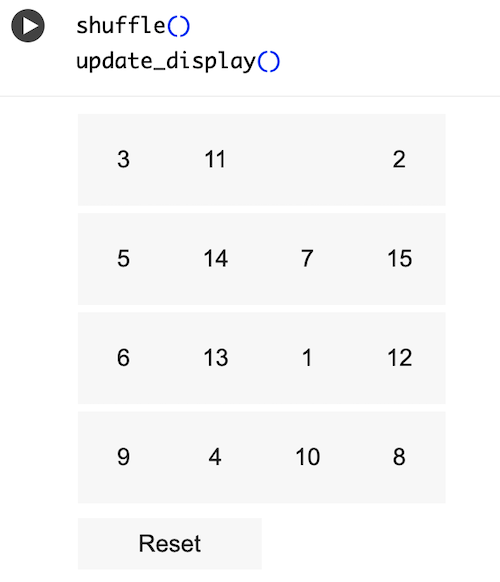
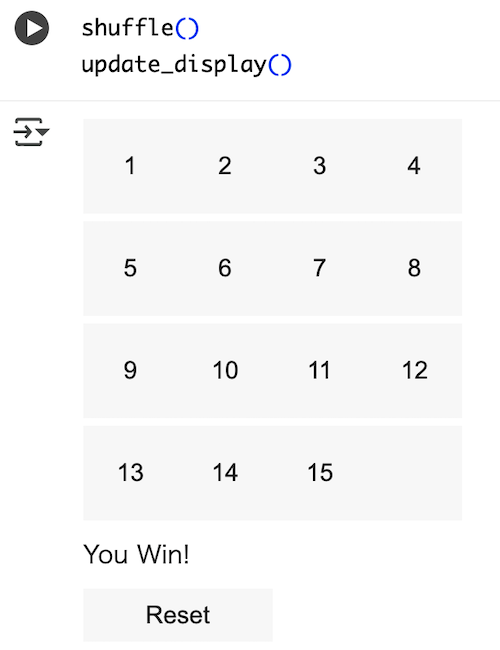
ボタン設定・配置
以下のプログラムを新しいセルに入力して実行してください
import ipywidgets as widgets
from IPython.display import display, clear_output
import random
# 表示を更新
def update_display():
    clear_output(wait=True)
    grid = []
    for i in range(4):
        row = []
        for j in range(4):
            num = tiles[i][j]
            label = str(num) if num != 0 else ""
            btn = widgets.Button(description=label, layout=widgets.Layout(width='50px', height='50px'))
            def on_click(b, i=i, j=j):
                if can_move(i, j):
                    move_tile(i, j)
                    update_display()
            btn.on_click(on_click)
            row.append(btn)
        grid.append(row)

    # ステータス表示
    if is_goal():
        status = widgets.HTML(value="You Win!")
    else:
        status = widgets.HTML(value="")

    # リセットボタン
    reset_btn = widgets.Button(description="Reset", layout=widgets.Layout(width='100px'))
    def on_reset(b):
        shuffle()
        update_display()
    reset_btn.on_click(on_reset)

    #「」、数字ボタンの表示
    display(widgets.VBox([
        widgets.GridBox(sum(grid, []), layout=widgets.Layout(grid_template_columns="repeat(4, 50px)")),
        status,
        reset_btn
    ]))